Skip to content
10 % off your first purchase with
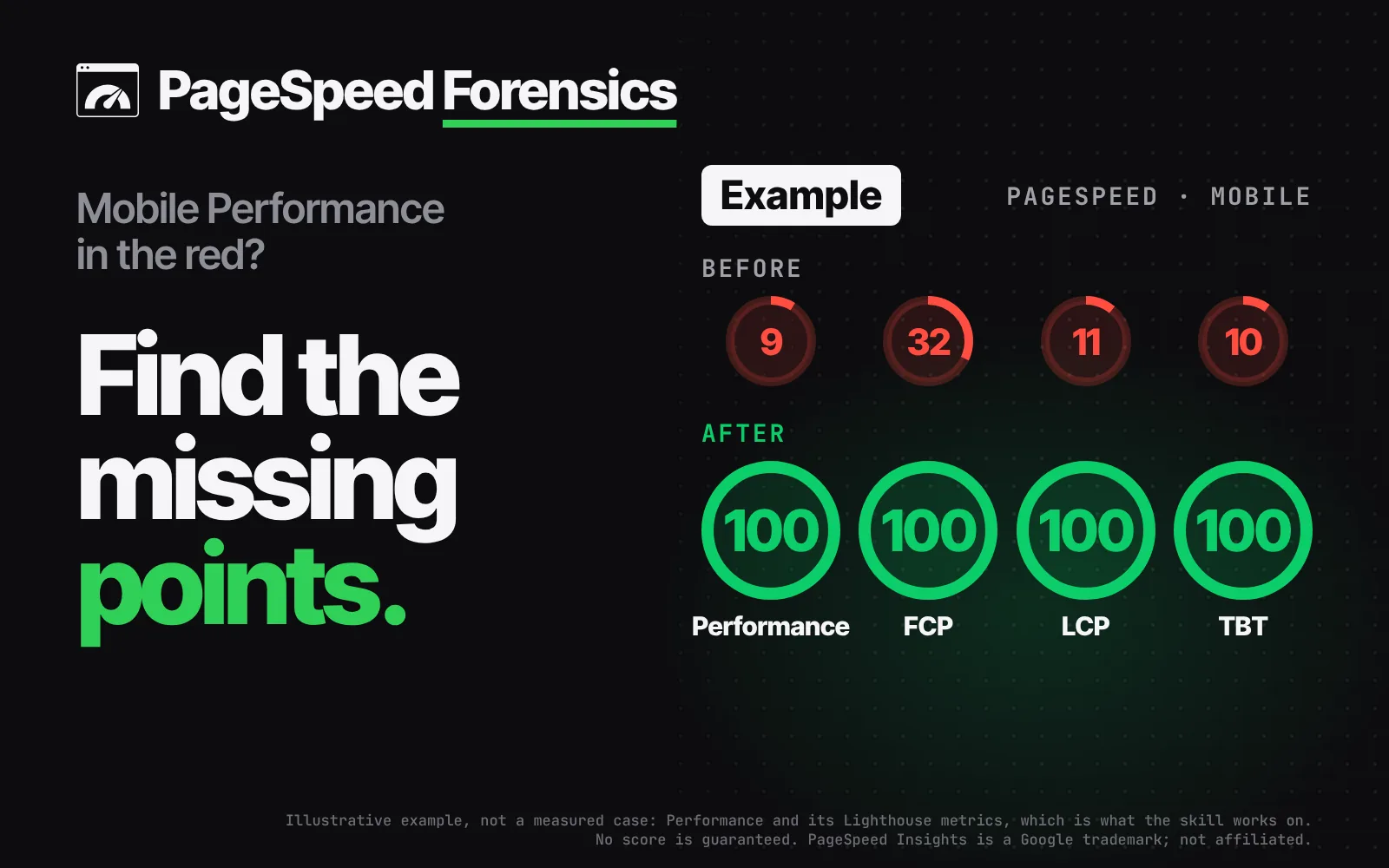
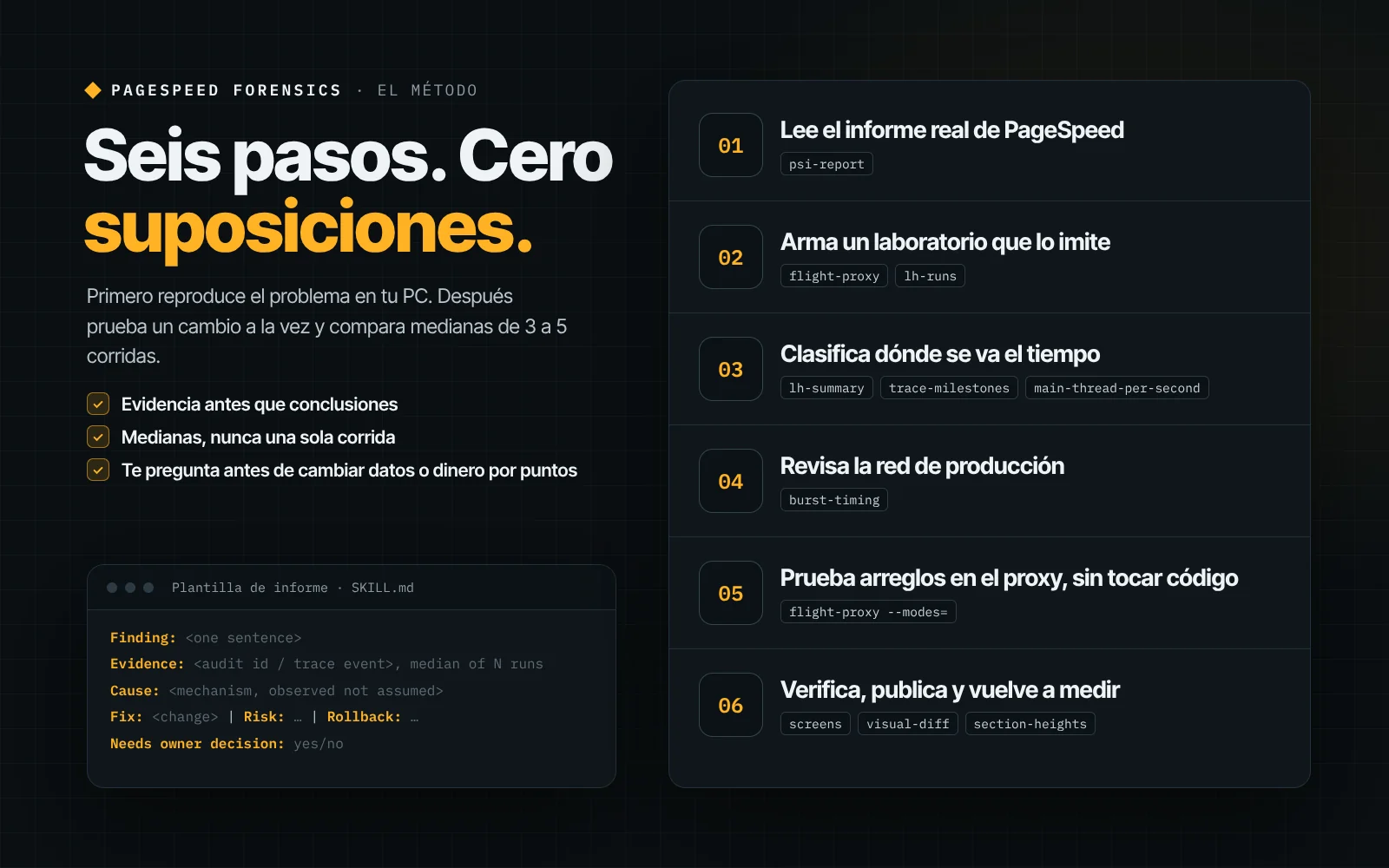
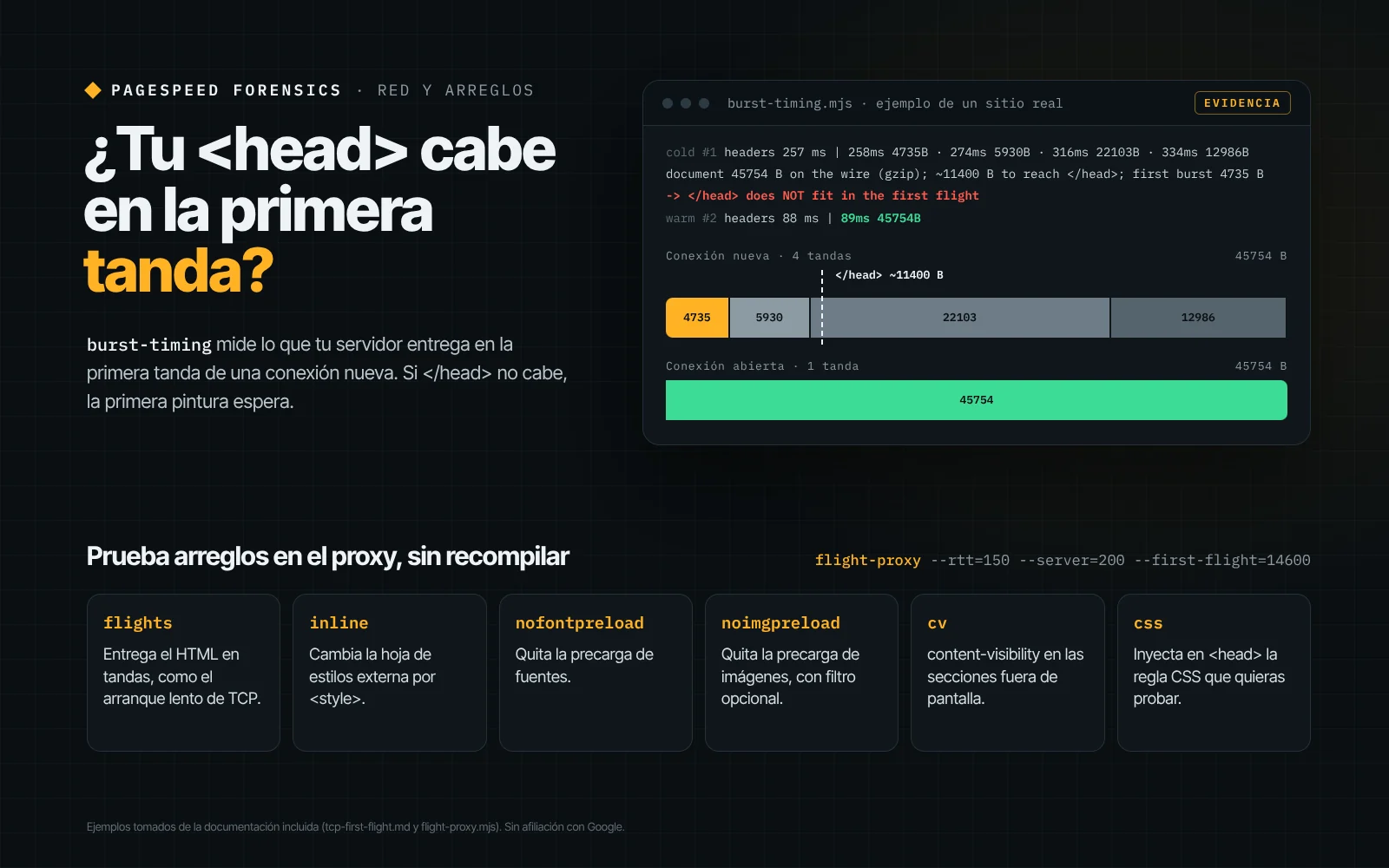
PageSpeed Forensics: trace showing 2067 ms with no frames before first paint, marked FROZENPageSpeed Forensics 6-step method with its scripts and the report templateburst-timing: the <head> does not fit in the first TCP flight, and the proxy's 6 modes to test fixes
Pay what you want

PageSpeed Forensics: find why your mobile PageSpeed score is low

Low PageSpeed mobile score? Find the cause with evidence and test fixes

Digital product · Instant download
You name the priceFrom$0USDSuggested $9 USD

You choose the price

Continue with $9

Sign in with Google, no password. You can change the amount afterwards.

  • Instant download
  • Secure checkout with Stripe
  • 14-day refund
  • Human support

Works with

  • Claude Code
  • PageSpeed Insights
  • Lighthouse
  • Chrome
  • Node.js

Trademarks belong to their owners and are shown only to indicate compatibility.

  • A lab network that mimics PageSpeed: latency, server time and HTML in TCP slow-start flights
  • Detects the first-frame freeze: frameless gaps before first paint, marked FROZEN in the trace
  • Measures your server's first TCP flight (initcwnd) on cold and warm connections, and tells you whether your <head> fits
  • Tests fixes without rebuilding: inline CSS, no font or image preloads, content-visibility or your own CSS
  • Medians of 3–5 Lighthouse runs with simulated and observed metrics, the LCP element and its parts
  • Visual check in grayscale with blur, plus checks for anchors, fixed elements and page height

Description

What it is

PageSpeed Forensics is a skill for Claude Code (and any agent that reads SKILL.md) for the last mile of the mobile score in PageSpeed Insights and Lighthouse. It ships a step-by-step method, 6 technical guides and 11 Node.js scripts with no dependencies, except sharp (optional) for the visual comparison.

The problem it solves

The usual advice (compress images, defer JavaScript, preload the LCP image) tends to leave a page around 85. The missing mobile points hide where those checklists never look: how the HTML crosses the network, when Chrome produces the first frame and how Lighthouse's simulator turns a run into a score.

If Lighthouse says 100 on your PC and PageSpeed says 85, if first paint comes 1–2 s late with nothing blocking it, or if almost all of your TBT comes from the tag manager, this skill finds the cause and proves it with evidence.

How it works in 3 steps

  • Read the real report: psi-report saves from pagespeed.web.dev the scores, metrics, audits with their tables, the test environment, the final screenshot and the filmstrip, with no API key.
  • Reproduce PageSpeed on your computer: a local proxy adds latency and server time, and delivers the HTML in TCP slow-start flights. You run Lighthouse 3–5 times per variant and compare medians of simulated and observed metrics.
  • Test and verify: the proxy applies fixes without rebuilding (inline CSS, no font or image preloads, content-visibility or your own CSS). Before moving anything into your code, you compare grayscale, blurred screenshots and check anchors, fixed elements and page height.

What you get

  • SKILL.md: the 6-step method, a symptom → cause table and a report template (finding, evidence, cause, fix, risk, how to revert and whether it needs the owner's decision)
  • 6 guides: first-frame freeze, first TCP flight (initcwnd), render-path fixes and their traps, Lighthouse and PageSpeed quirks, third-party tags and verification
  • 11 scripts: flight-proxy, burst-timing, lh-runs, lh-summary, trace-milestones, main-thread-per-second, trace-first-frame, psi-report, screens, visual-diff and section-heights
  • README in Spanish and English, and a license file

Who it is for

  • Developers and agencies whose sites are stuck around 85–90 on mobile after applying the usual advice
  • Teams with Next.js or React landing pages (the guides include Next.js-specific notes)
  • Anyone who needs to explain with data why PageSpeed and their own computer don't give the same score

Requirements

  • Node.js 22 or later
  • Google Chrome or Chromium (or the CHROME_PATH variable)
  • Internet access for Lighthouse (it runs with npx, no install) and to read PageSpeed
  • sharp, only for the visual comparison (npm i -D sharp)
  • A production build of your site served over HTTP on your computer, for the lab
  • Claude Code or another agent that reads SKILL.md (or run the scripts by hand)

Important notes

  • It does not guarantee a score: it finds causes and measures each change with medians. The result depends on your site and on what you decide to change.
  • Some fixes are business decisions (deferring analytics, changing the server or adding a CDN): the skill shows you the cost and the decision is yours.
  • CrUX field data takes 28 days to reflect a change.
  • The skill, the guides and the script output are in English; the README is in Spanish and English.
  • psi-report reads the PageSpeed web page: if Google changes its design, that script may stop working.
  • Raising the server's initial TCP window requires admin access to a Linux server, or a CDN.
  • Independent product, not affiliated with Google. PageSpeed Insights, Lighthouse and Chrome are trademarks of Google.

FAQ

Do I need a Google PageSpeed API key?

No. The psi-report script opens pagespeed.web.dev in headless Chrome and saves the scores, metrics, audits, test environment and filmstrip. Because it reads the web page, that script may stop working if Google changes its design.

Does it guarantee a 100 on PageSpeed?

No. It finds the causes and measures each change with the median of several runs. The result depends on your site and on what you decide to change; some fixes (deferring analytics, touching the server or adding a CDN) are your decisions, and CrUX field data takes 28 days to move.

Is it only for Next.js?

No. The scripts work with any site that serves HTML: the lab needs a production build served over HTTP on your computer, and the network measurement needs a site on HTTPS. The guides include notes specific to Next.js only; for other stacks the advice is general.

Do I need Claude Code?

It is built as a skill for Claude Code and for any agent that reads SKILL.md. The 11 scripts can also be run by hand with Node.js from the terminal, following the README.

Is it in English?

Yes. The skill, the 6 guides and the script output are in English, and the README is in English and Spanish.

How much does it cost?

You choose: it is pay what you want. Enter 0 to download it for free, or support the project with any amount; card payments start at $0.50 USD.

Reviews

No reviews yet. Only people who own the product can leave one, from My purchases.

Keep exploring

Complete your kit

See the full catalog
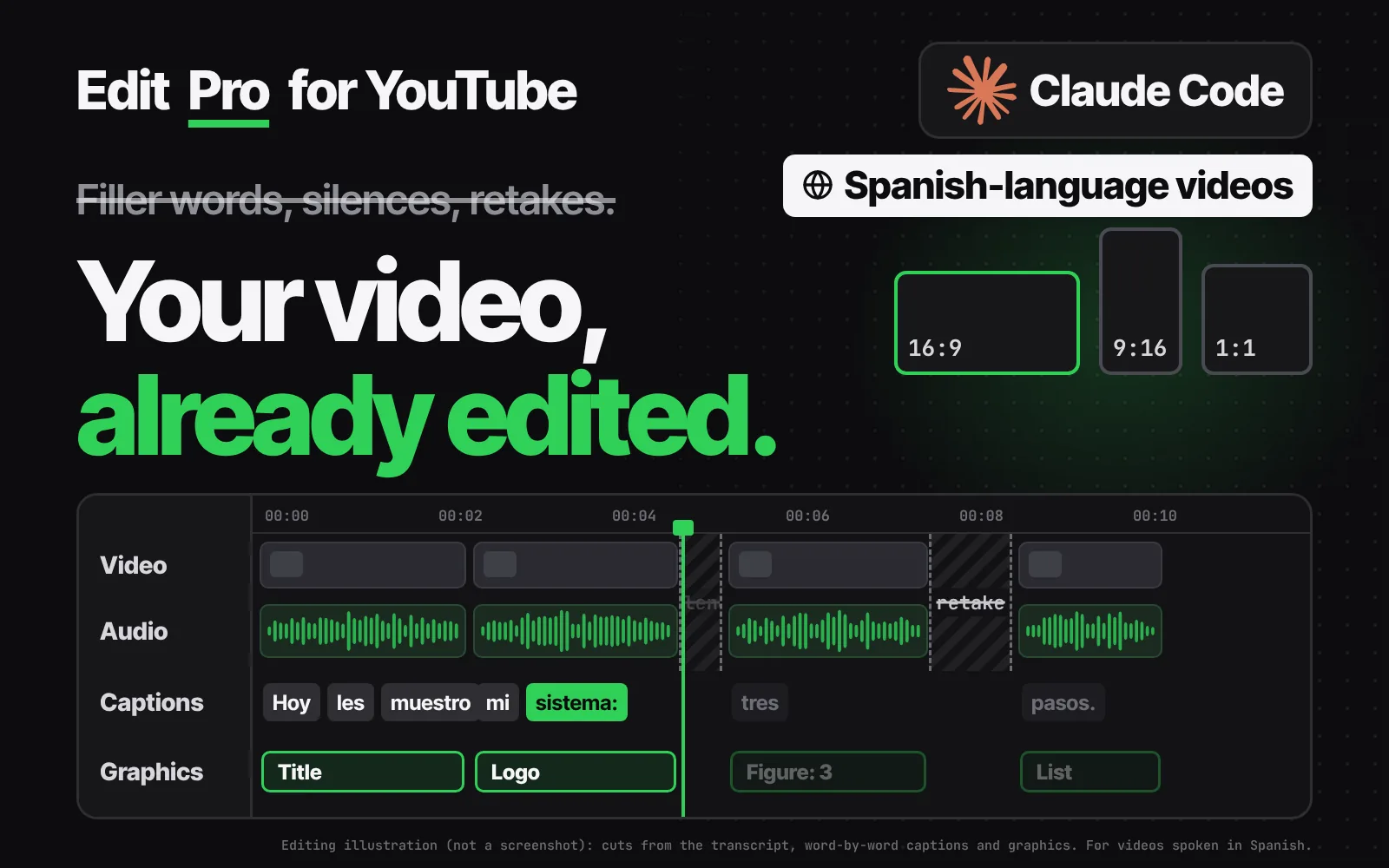
  • Edit Pro for YouTube: transcript with filler words and retakes struck through, a timeline with cuts and the video in 16:9, 1:1 and 9:16
    Pay what you want

    Edit Pro for YouTube

    AI video editor for Spanish videos: cuts filler words and silences
    Video editor + Chrome panelWindows
    $0+suggested $12
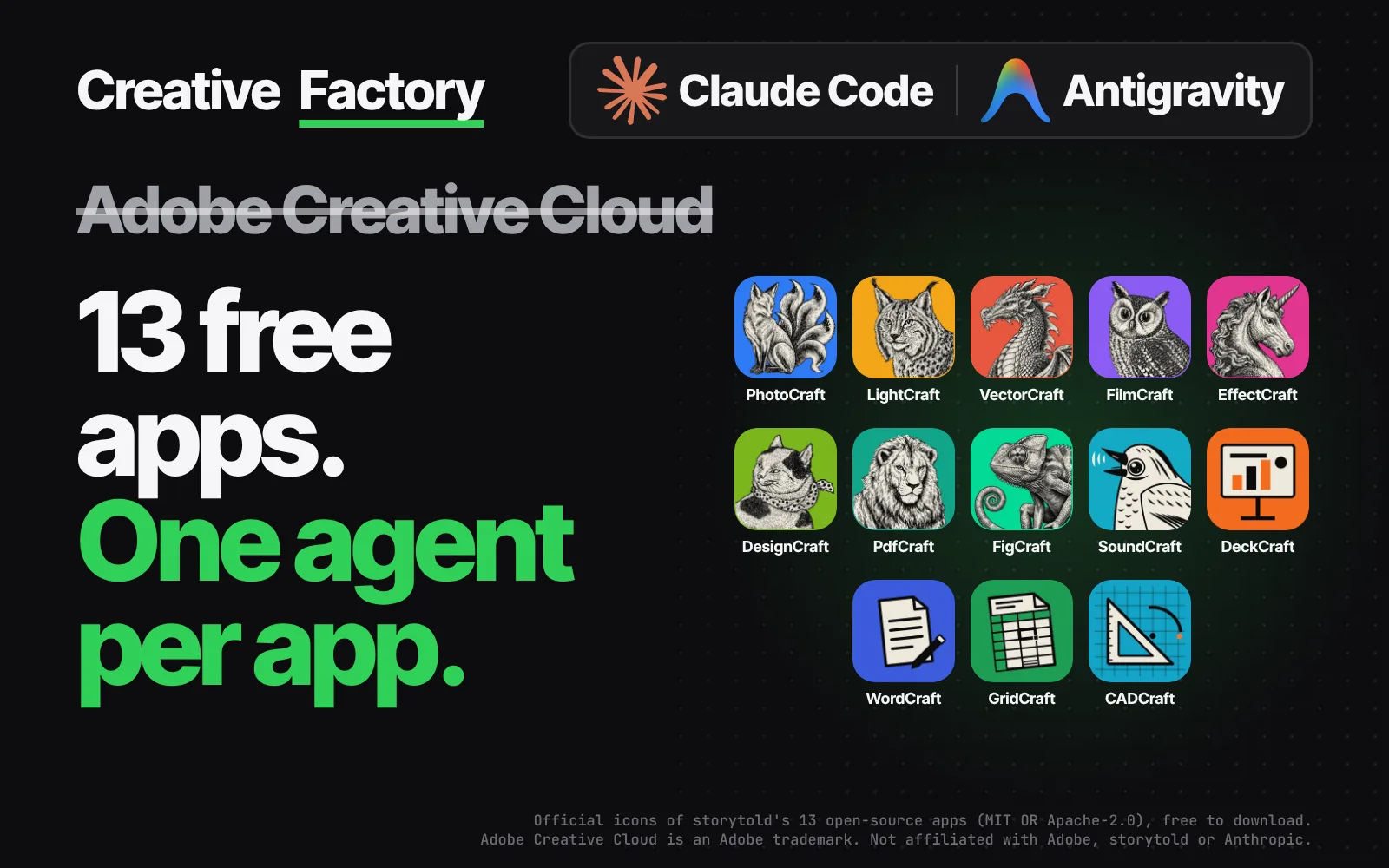
  • Creative Factory: 13 Claude Code agents in Spanish and the router choosing animation and presentations
    Pay what you want

    Creative Factory

    AI agents for graphic design: ask in Spanish and Claude Code makes it
    AntigravityWindows
    $0+suggested $19
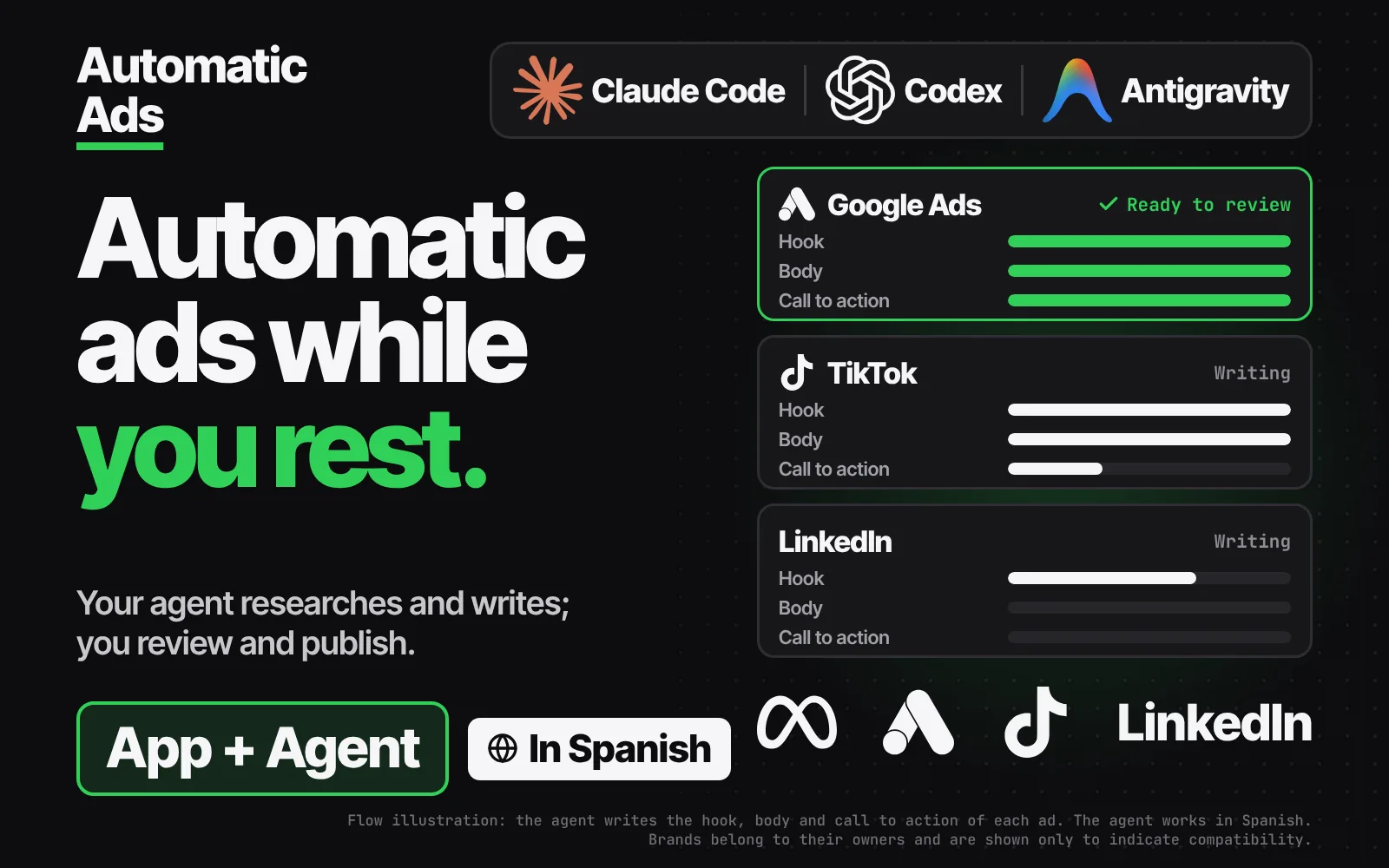
  • Automatic Ads: 250+ ad prompts for Meta, Google, TikTok and LinkedIn
    Sale −57 %

    Automatic Ads

    AI ads in Spanish: your agent researches your business and writes the ads

    Ad agent + Local appAntigravity+4
    $33.33$76.90−57 %
PageSpeed ForensicsFrom $0Name your price