Sale −67 %
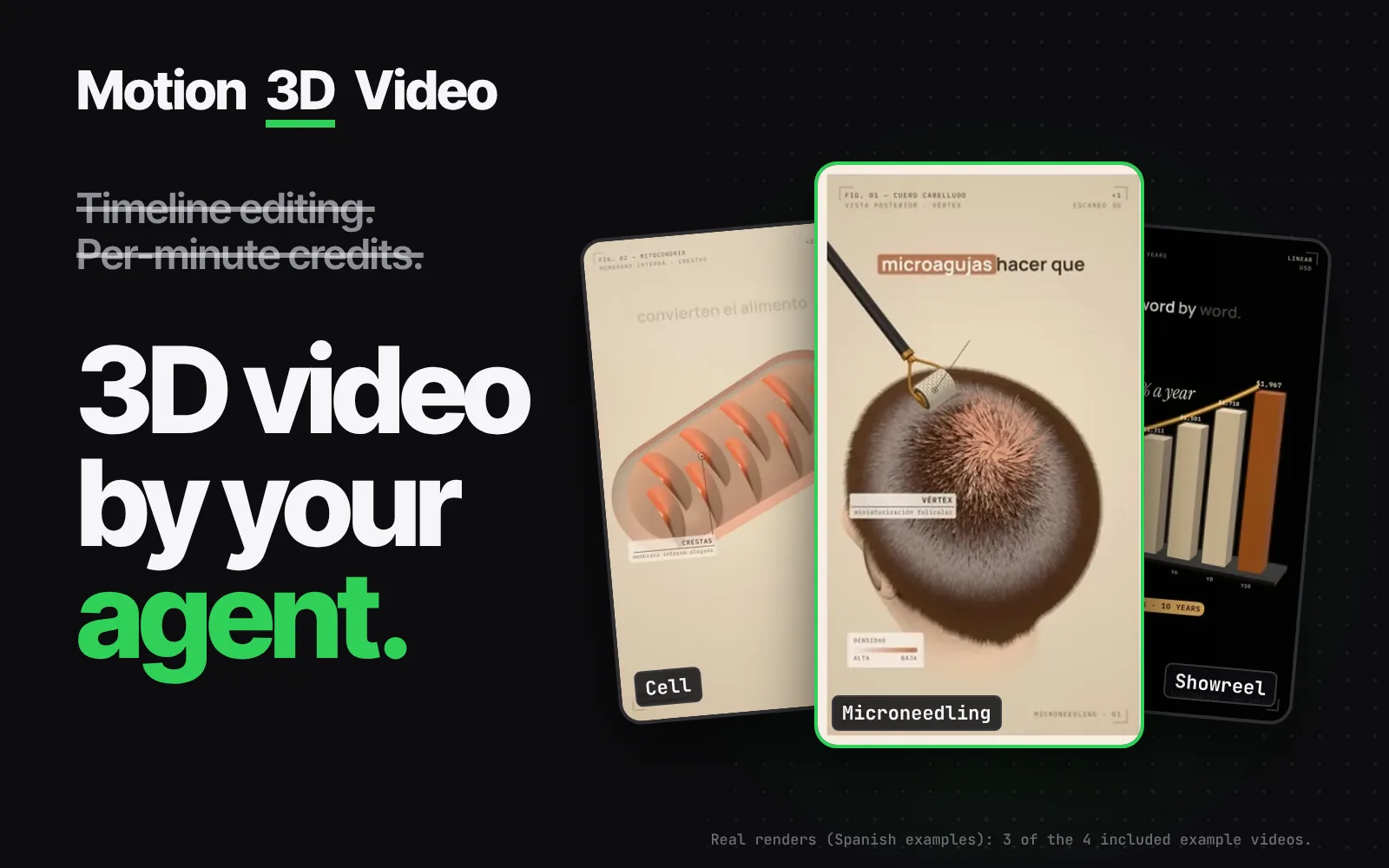
Motion 3D Video
AI explainer videos: give your agent a topic, get a narrated 3D MP4
Claude CodeCodexFFmpegWindowsmacOS+1
$12$36.90−67 %
AI video editor for Spanish videos: cuts filler words and silences
You choose the price
Continue with $12Sign in with Google, no password. You can change the amount afterwards.
Works with
Trademarks belong to their owners and are shown only to indicate compatibility.
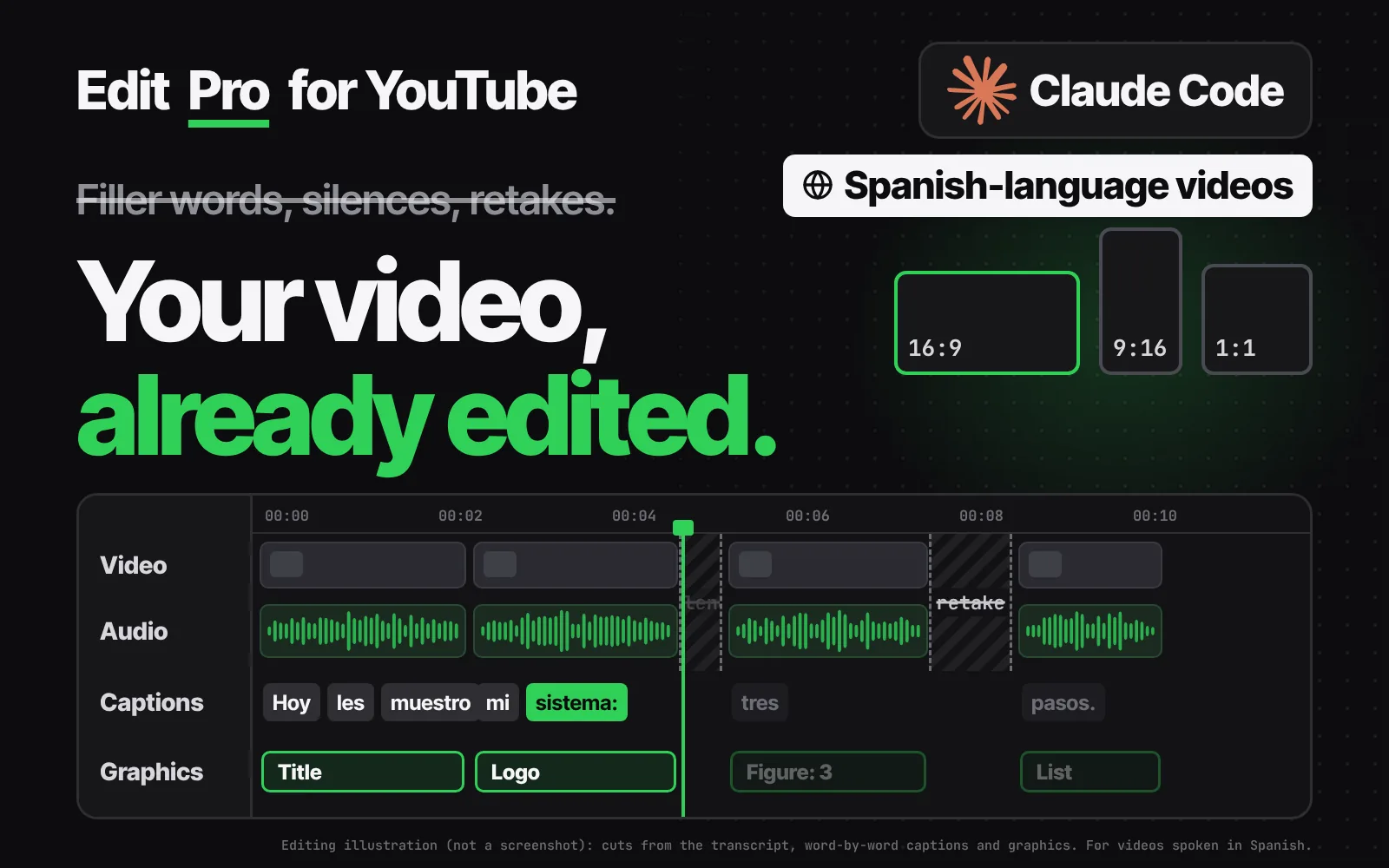
Edit Pro for YouTube is an automatic editor for talking videos that runs on your computer. You give it a talking video in Spanish and it gives you back the clean video, with captions, animated graphics and leveled sound, in landscape, vertical or square.
Language: it only works with videos spoken in Spanish. Transcription is fixed to Spanish and filler-word detection is designed for Spanish. The documentation and the Chrome panel are in Spanish too.
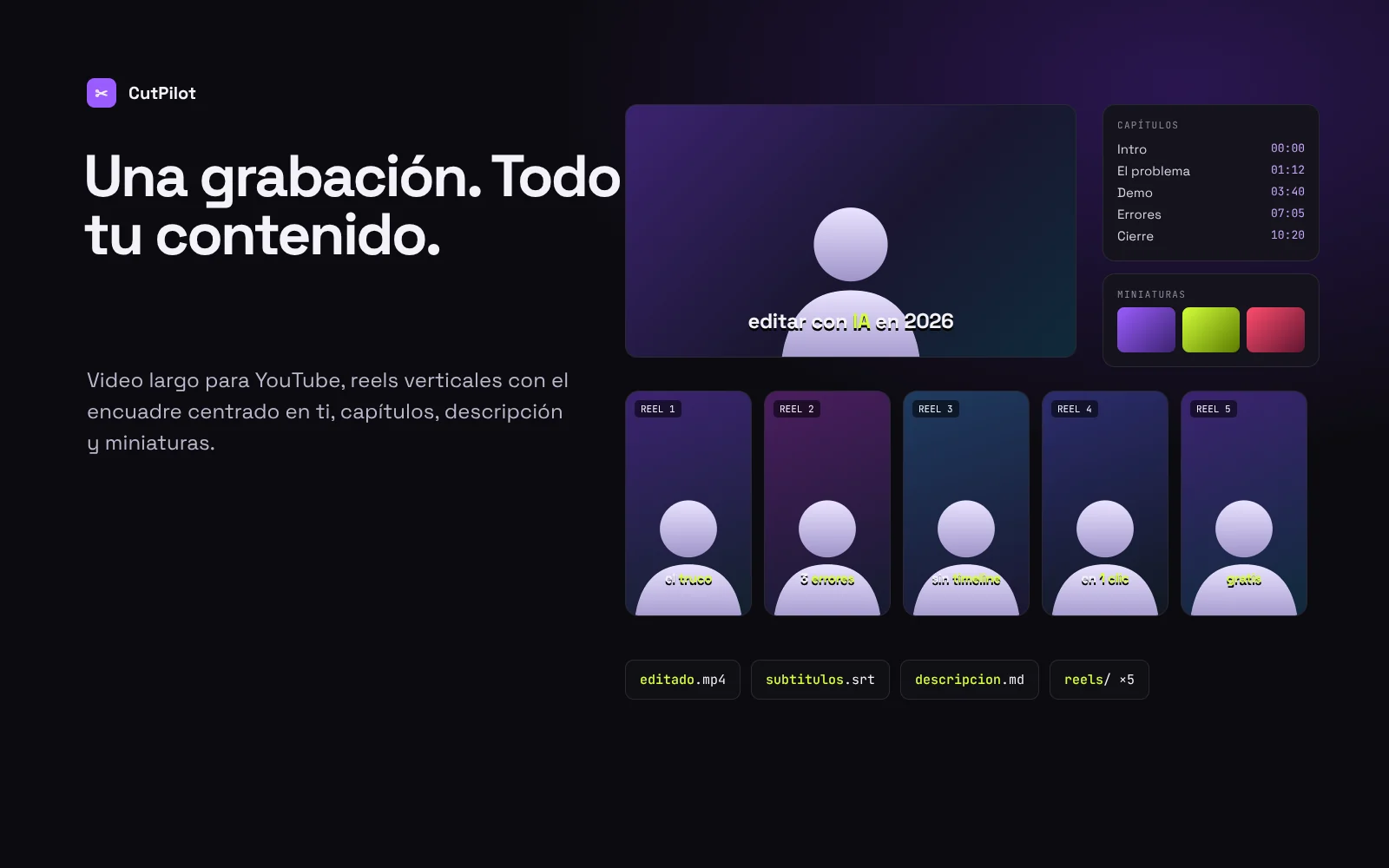
It works for YouTube (16:9, with chapters) and, with the same video in 9:16, for Shorts, Reels and TikTok. Inside it is called CutPilot: that is the name you will see in the ZIP, the README and the install guide.
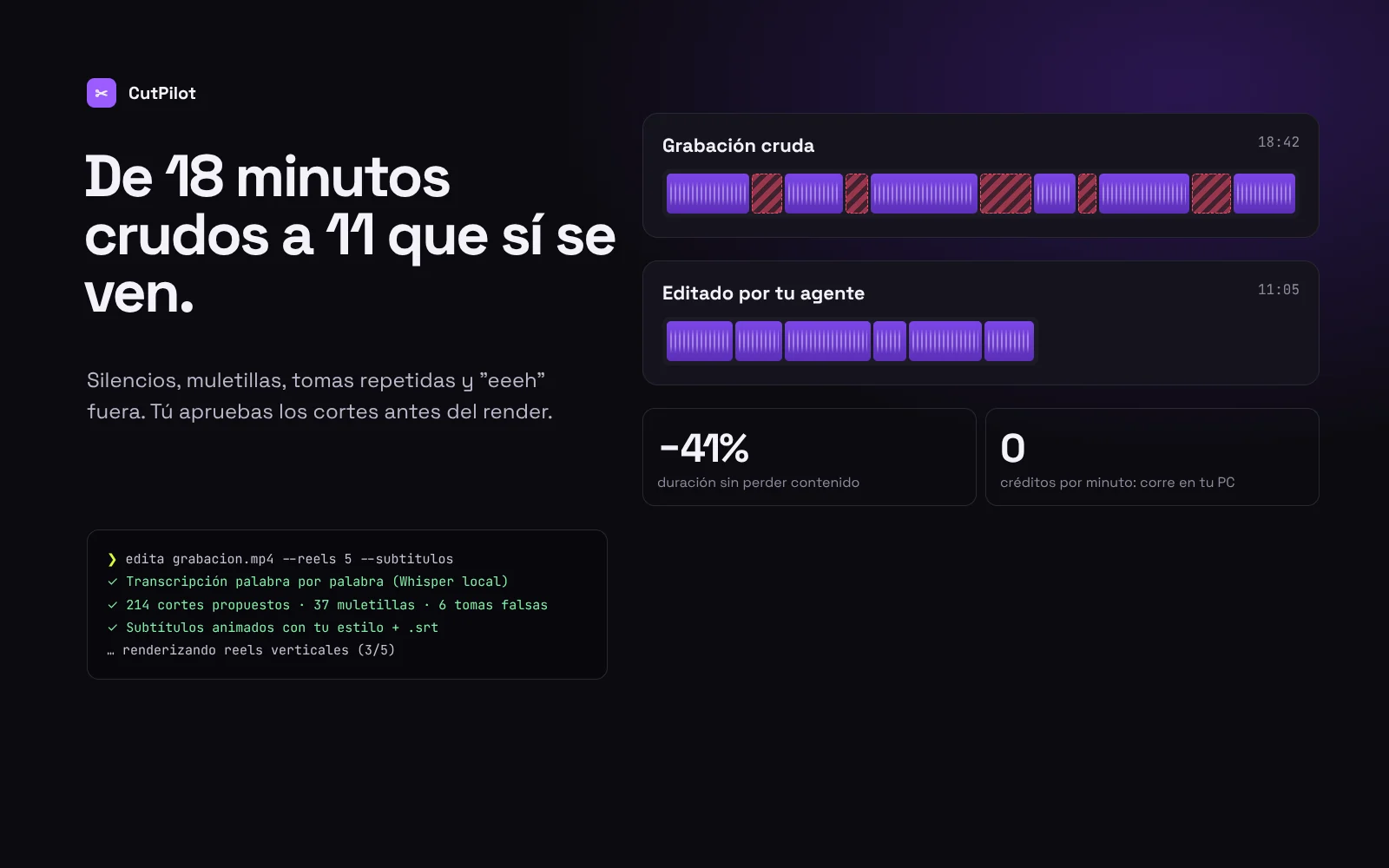
Editing a to-camera video eats up time on repetitive tasks: finding the "um"s and the silences, cutting the sentences you repeated, adding captions, leveling the audio and making a vertical version. This studio does that work from the word-by-word transcript, so you only review.
Creators, teachers, coaches and marketing teams who record talking videos in Spanish and use Claude Code, and who prefer processing on their own computer instead of paying per-minute credits.
No. Transcription is fixed to Spanish and filler-word detection is designed for Spanish.
That depends on you. Remotion has its own license: it is free for individuals, companies with up to 3 employees and non-profits; if your company is larger, you need Remotion's company license. Remotion is not inside the ZIP: it installs with npm from its official source.
It is not required: without an NVIDIA GPU, Whisper transcribes on the CPU, more slowly. The studio was measured on a 4 GB GTX 1650: a 49.5 s raw clip took about 40 s to transcribe and about 110 s to render in 16:9. For 10 minutes of raw footage the estimate is 35 to 45 minutes per format.
The studio does not charge per minute. The AI decisions use Claude Code on your computer and use your plan; each report notes the estimated cost, and answers are cached so you don't pay twice. Without Claude Code, the studio uses an automatic plan without AI.
It was developed and tested on Windows. It includes an installer for macOS and Linux, but those platforms are not verified, and automatic registration of the Chrome extension exists only for Windows.
No. It edits the video you give it (removes filler words, silences and retakes, adds captions and graphics) and delivers it in 16:9, 9:16 and 1:1. It does not write titles or descriptions either; it does generate the YouTube chapters.
Yes, in format: it delivers the same video in 16:9, 9:16 and 1:1, and centers the face in the vertical version. It does not cut several clips from a long recording or publish for you: you upload the MP4 to each platform.
Edit Pro for YouTube is the store name; inside, the studio is called CutPilot. You will see that name in the ZIP, the README and the install guide. It is the same product.
No reviews yet. Only people who own the product can leave one, from My purchases.
Keep exploring
AI explainer videos: give your agent a topic, get a narrated 3D MP4
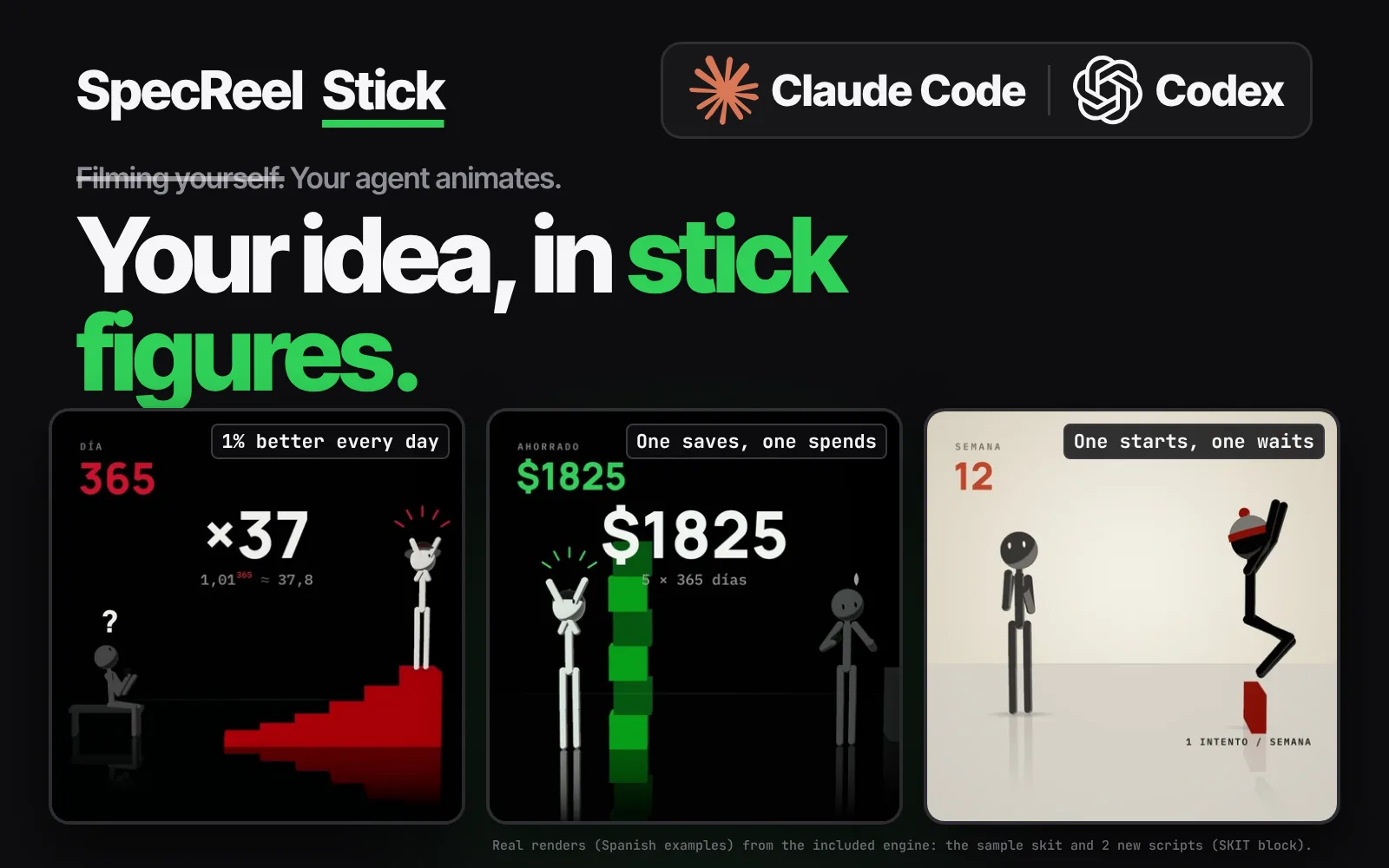
Stick figure animation with AI: tell your agent the idea, get the MP4
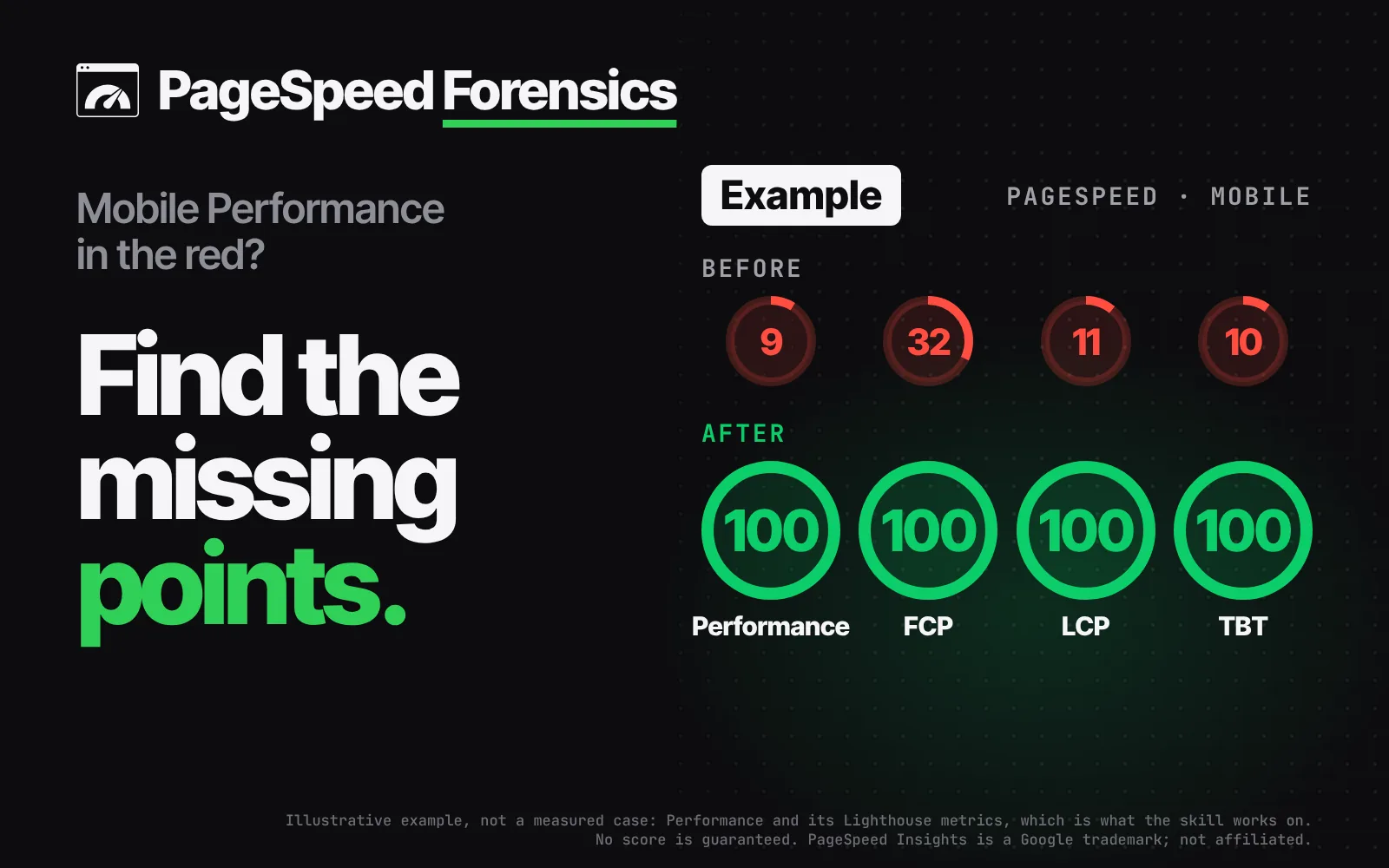
Low PageSpeed mobile score? Find the cause with evidence and test fixes